Access
A Finish Date how to move through the pages
These pages are built to be read without a mouse, at a large size, and with motion turned down.
What we aim for
Text is at least 18 pixels. The ink is dark on a white ground. Links in the prose are underlined. Buttons are named with the action they take. The first control on every page is a skip link that jumps to the content.
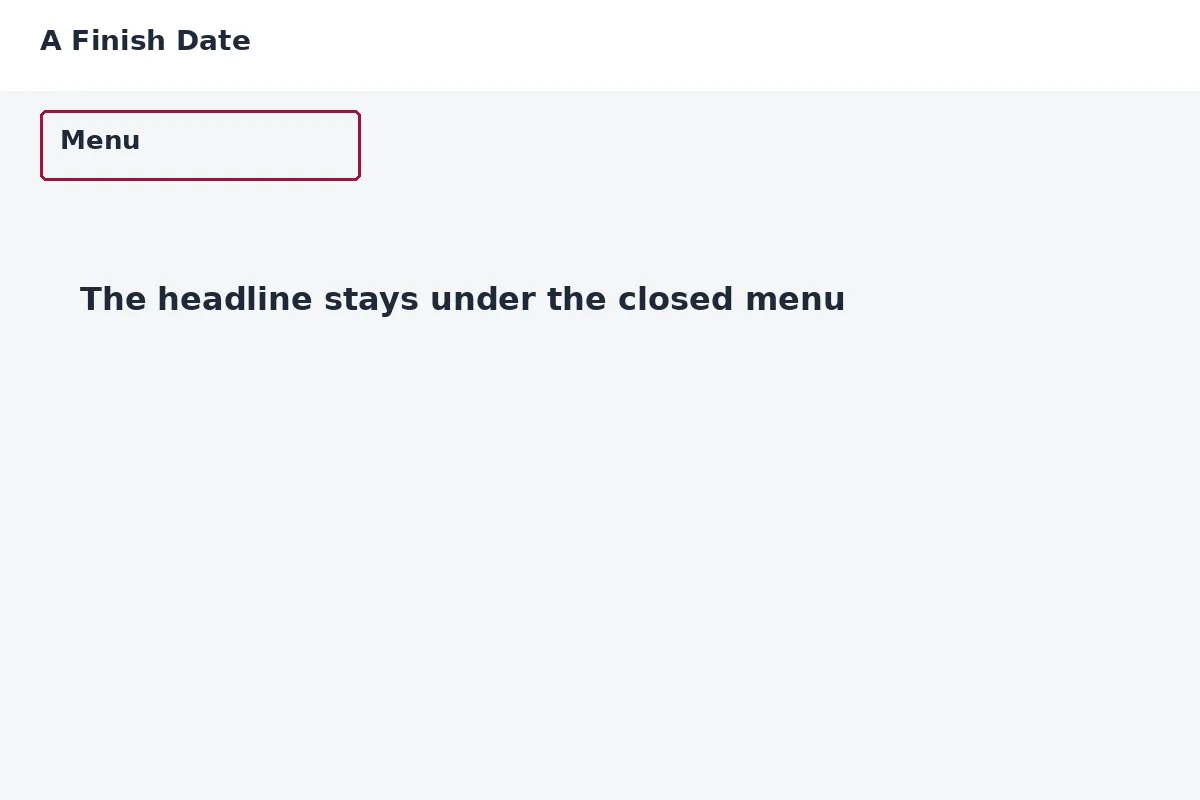
The menu on a phone is a single row labeled Menu. Open it and the links cover the screen, one per row, each tall enough to tap. On a wider screen the same links sit in a row and the Menu row is hidden.
Pictures have a written description that says what the object is. Decorative marks are hidden from the reading order. The calendar on the booking page does not load until you ask for it, so the page does not jump.
If you use a keyboard, a visible ring shows where you are. If your system asks for less motion, the page does not snap and the cards do not lift.
The home page carries one muted clip that loops in place. If your system asks for less motion, that clip stays a still picture. There is no countdown and no popup. The chat chip is a button labeled Ask Steven. On a narrow screen it sits low on the right so it does not cover the first button.
If a page fights your reader, or a control has no name, call +1 844-324-7273 and say which page. We will fix the page, not hand you a workaround and leave the barrier up.